Detect, log, and retest defects real fast
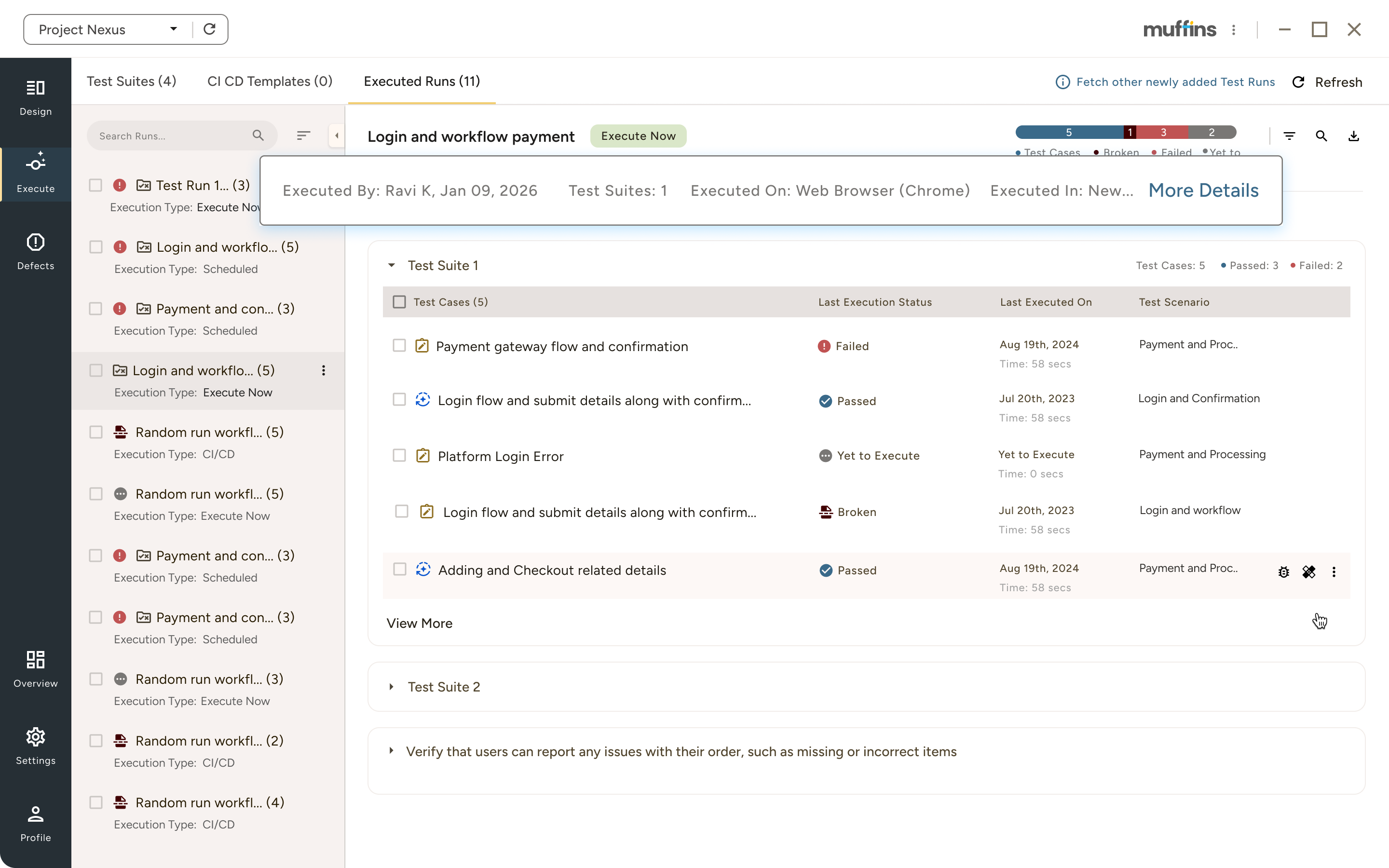
With Muffins' Jira integration, users can easily link failed tests to detailed Jira defect tickets. After developers resolved this and updated the ticket status, it automatically will be reflected in Muffins. And QA team can quickly retest the defect and verify the fix.
The Complete Defect Lifecycle
Discovery
Documentation
Resolution
Verification
Core Capabilities
Defect Logging & Re-Testing
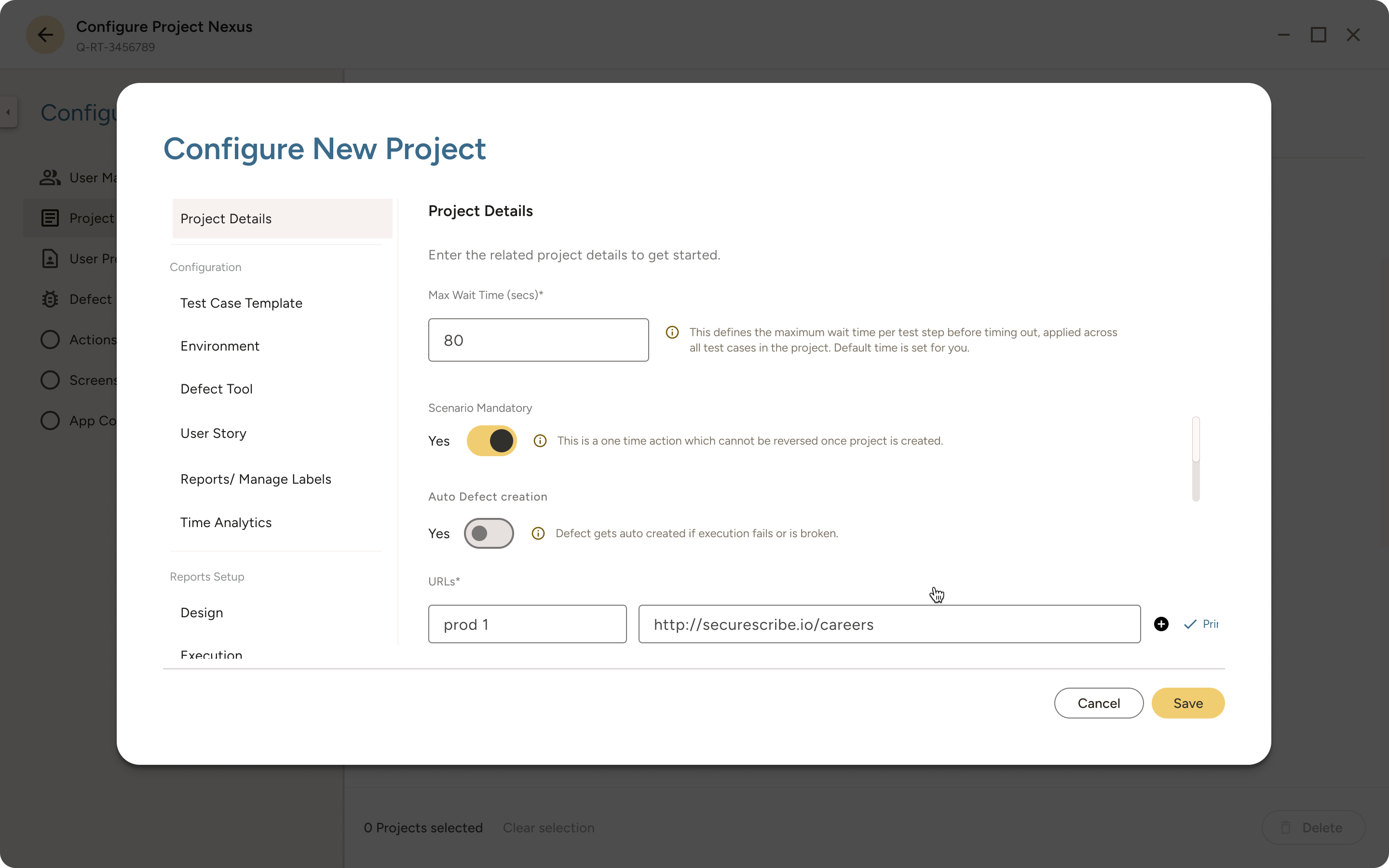
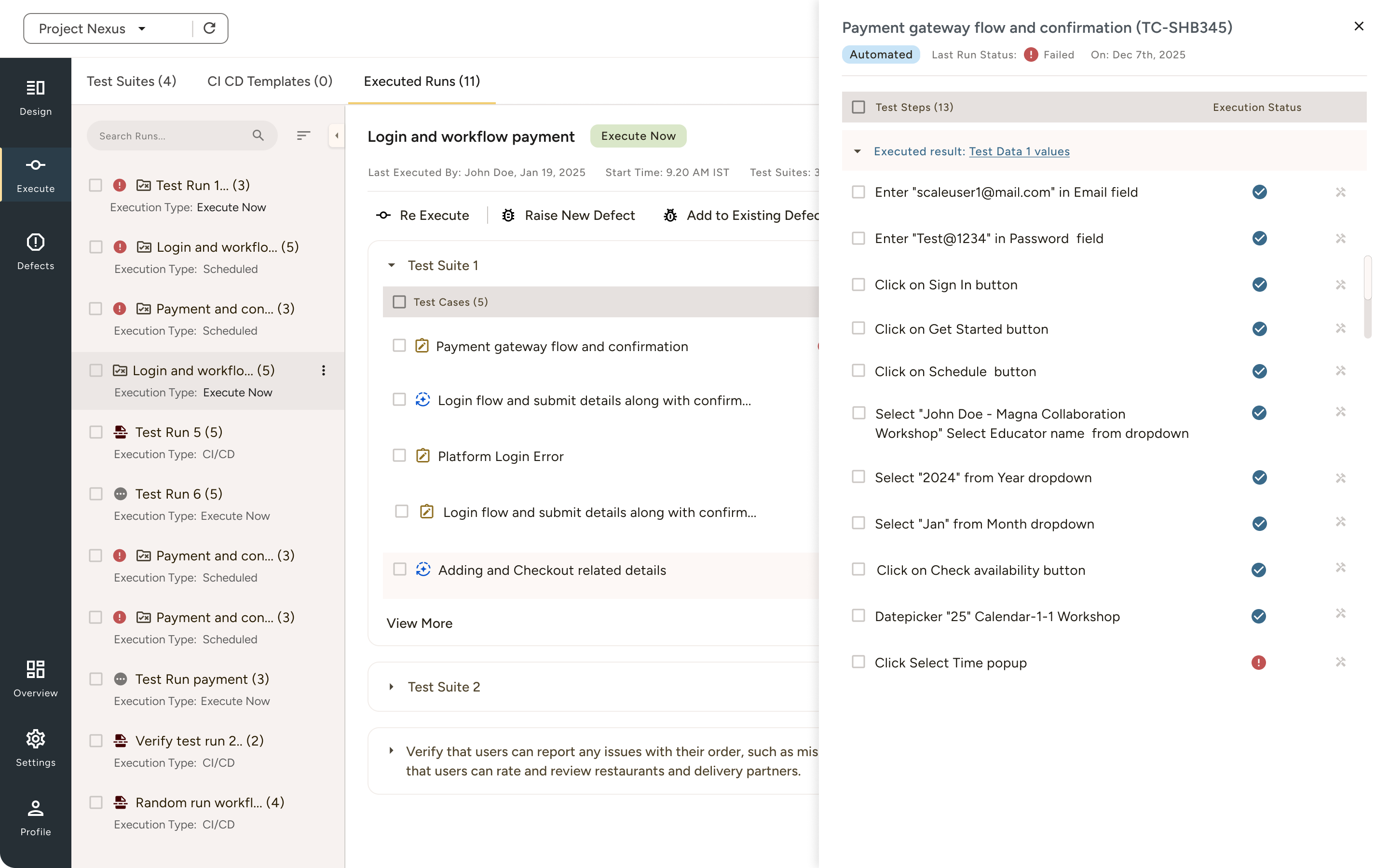
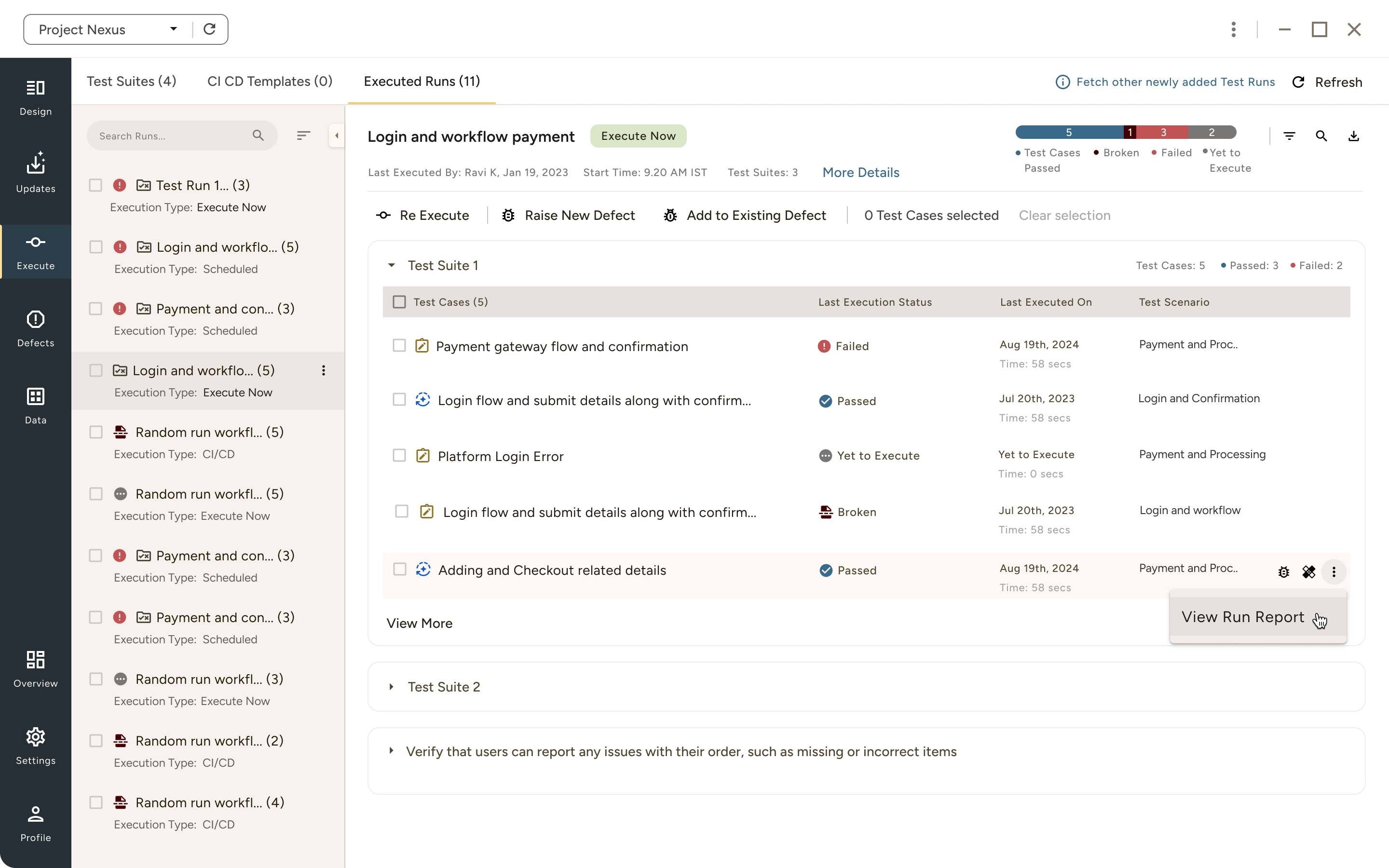
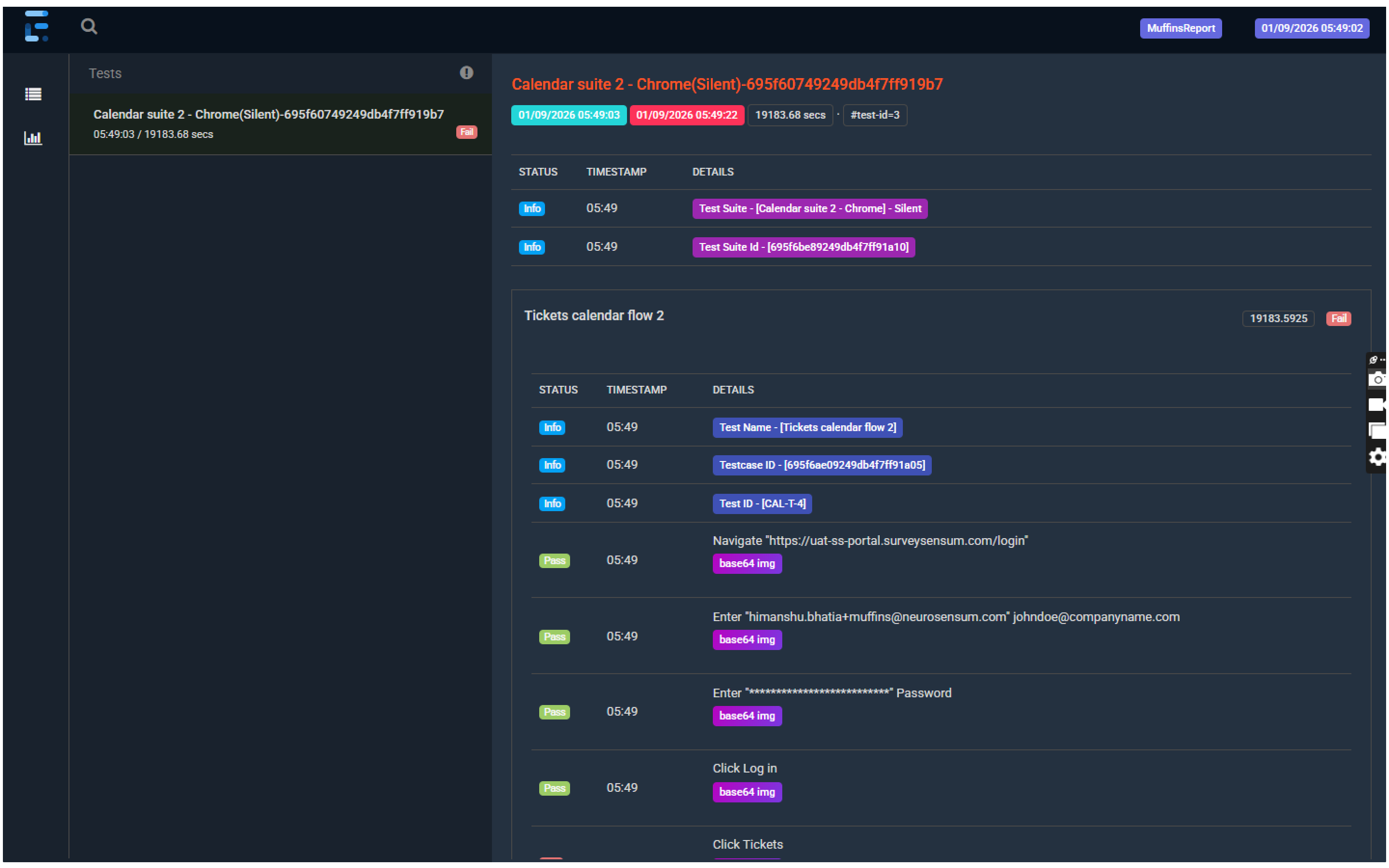
- When a test fails, the defect is auto-created with full steps, screenshots, and test data- ready to sync instantly with JIRA.
- Your testers focus on finding bugs, not documenting them. (Logging in Jira consumes lots of time.)
- Developer marks defect as fixed in JIRA. User can observe the change in status and perform Re-testing.
Smart Defect Details
2.png)
Environment Tracking
Join QA teams who deliver reliable software 3x faster every sprint



Frequently asked questions
No. Muffins adapts to your existing JIRA configuration. Custom fields, workflows, and statuses all are supported without modification.
Continue managing them in JIRA. New defects created through Muffins automatically link and sync. Gradual transition will happen at your pace.
Yes. Configure mandatory fields, add custom categories, set default priorities. Match your organization's defect standards exactly.
Every user action is captured in plain English: "Click Login button, Enter Username, enter Password, click Submit, Error message appears." Developers follow along step-by-step.
We will mask all sensitive data across reports, logs, screensavers and defects. PII, passwords, and payment information are never exposed in logs or screenshots.